

- Data retention determines how far back backups can recover information
- Short retention windows can permanently erase critical files
- Many firms back up frequently but retain data for only days or weeks
- Case management systems often have limited built-in retention
- Proper retention can recover documents thought to be lost forever
- Retained backup data has saved law firms from six-figure losses
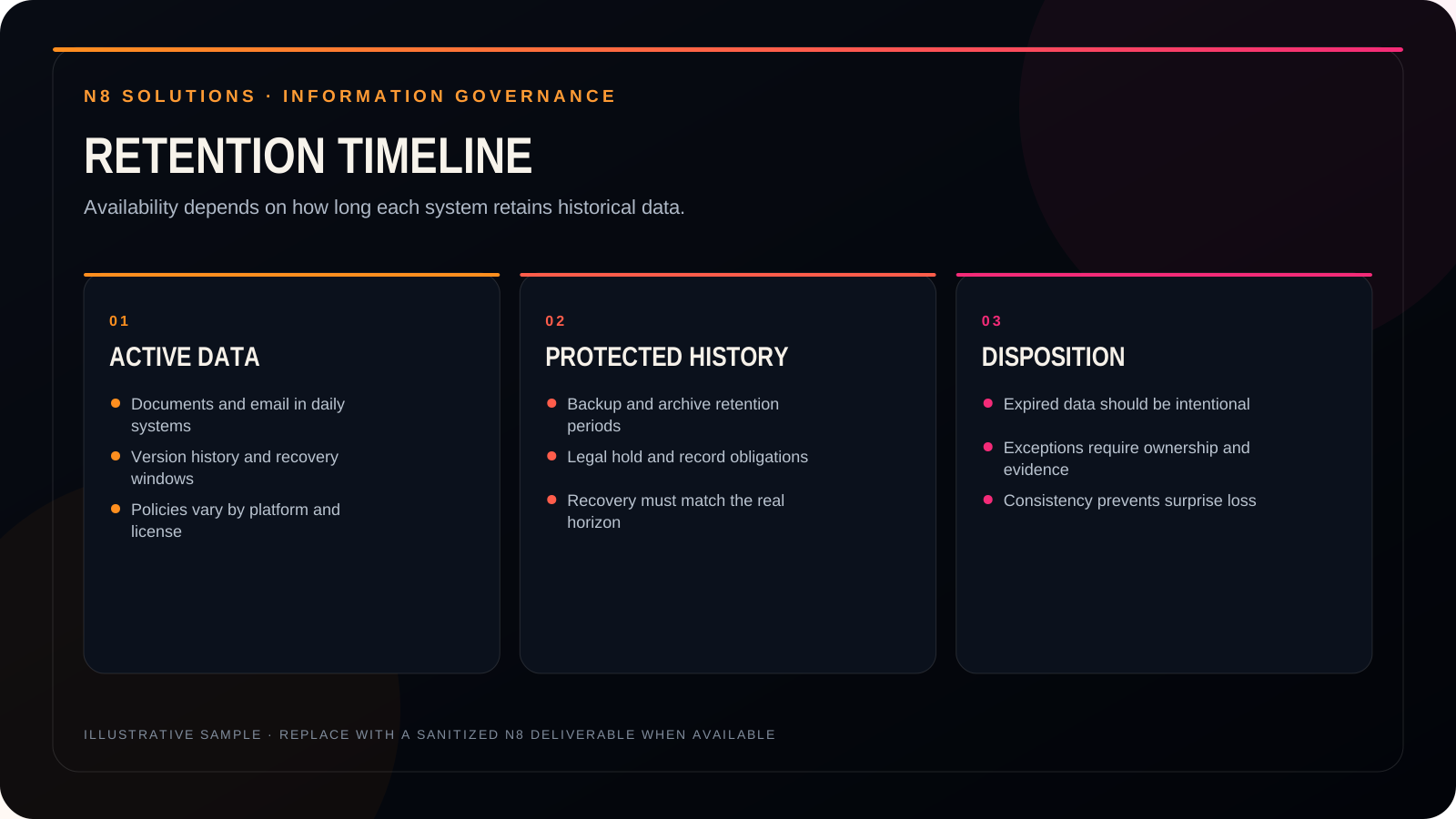
Insights: What Data Retention Really Means
Retention isn’t about how often you back up — it’s about how long data is kept. A firm may back up hourly or nightly, but if retention is set to seven days, older versions of data are automatically deleted as new backups are created.
For example, with a seven-day retention window, the eighth backup overwrites the first. That means if a file goes missing or is corrupted beyond that window, it’s gone — even though backups were technically running the entire time.
This catches many firms off guard. In this video, we share the story of a law firm that was missing a signed document that their case management system claimed still existed. When the file couldn’t be retrieved, the only reason it was recovered was because it existed in long-term retained backup data — more than two years old. That single recovery helped the firm avoid a six-figure loss.
See what this means for your environment.
Bring the real situation. N8 will help separate the important risk from the noise and identify a practical next step.